
How to Check a Petersburg Court Case
Read the ticket first. It names the court, the appearance date, and where to go. Petersburg runs a Municipal Court with a paper docket posted before each session, and no online warrant search takes its place. Call City Hall to confirm your court date and ask which office can pull the citation number for you.
- Read the court and date on your citation.
- Call City Hall before visiting to confirm the session schedule.
- Ask where the current docket is posted and whether it changed.
- Use the police contact for police-service questions, not docket interpretation.
- Keep any written court notice or payment receipt with the citation.
The Posted Docket Has a Friday Timing Note
The city posts the paper docket outside the glass case, normally by 10 a.m. on the Friday before a Monday session. That posting can show whether a matter is scheduled, but it is not a warrant search, and it may lag behind late changes. Verify it at City Hall before treating it as current. If the posting and an earlier notice disagree, call the court and give the citation number. Ask whether a continuance, a payment, or a new setting has been entered on the case. Petersburg drivers who plan a trip around an old photograph of the docket risk showing up on the wrong day. The Petersburg Municipal Court page describes the court's docket practice and session routine, and the clerk's answer controls over anything posted on paper.
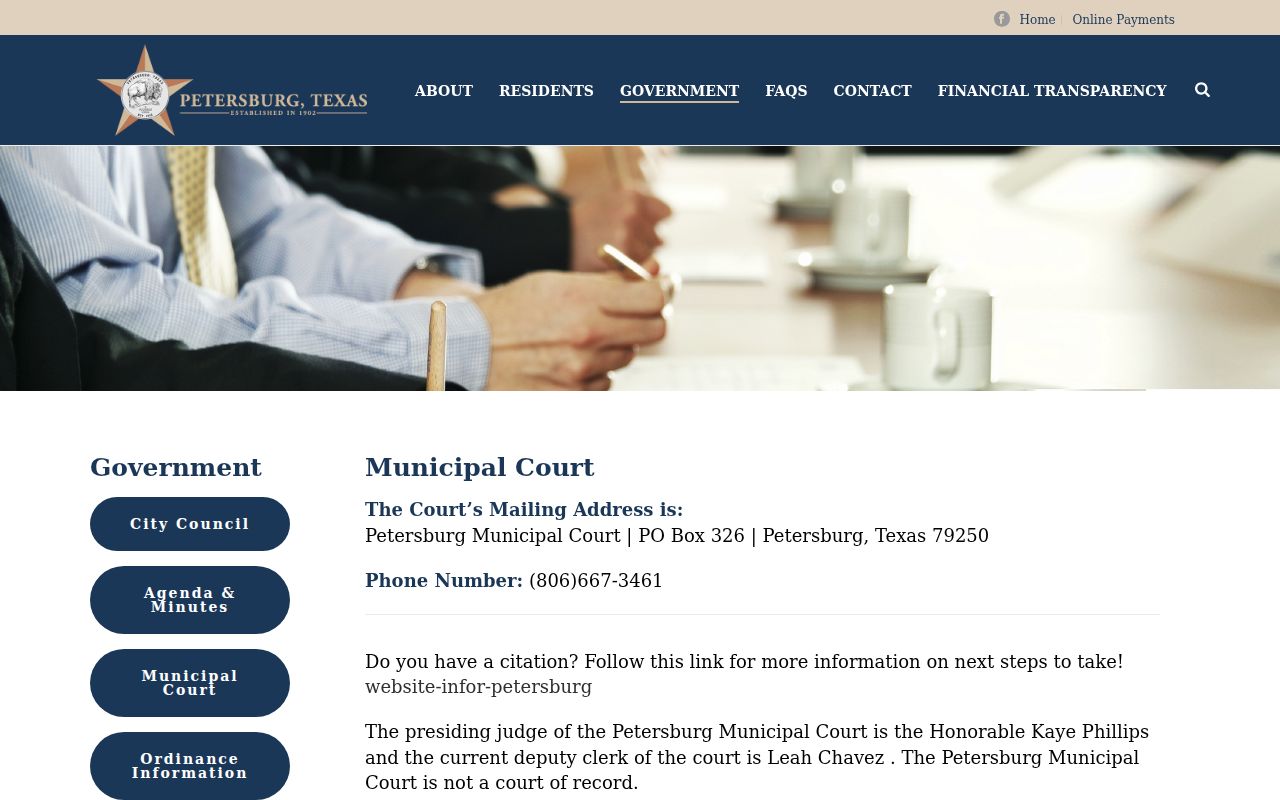
The Petersburg court page lays out the docket routine and session route; it does not return live case results.
Petersburg Police and Court Keep Different Information
In Petersburg, the split matters. Petersburg Municipal Court holds the case record: the citation, the docket, the setting dates. Petersburg Police handles law enforcement contact, and the department runs 24 hours a day, 365 days a year. That round-the-clock police presence covers patrol and calls, not court staff. No judge or clerk sits there at all hours, so a late-night call to police will not get you a docket confirmed. The department's page also lists a separate non-emergency referral path for matters that are not emergencies. For a warrant question, start with the right desk. Ask the City Hall number to route you, then ask each office what it can actually access before you share details. If you receive a notice of a court session, treat that as controlling; do not assume police can confirm or resolve an outstanding warrant. The court that issued it is the office to press. The official Petersburg Police Department page shows the department's own contact details and hours.
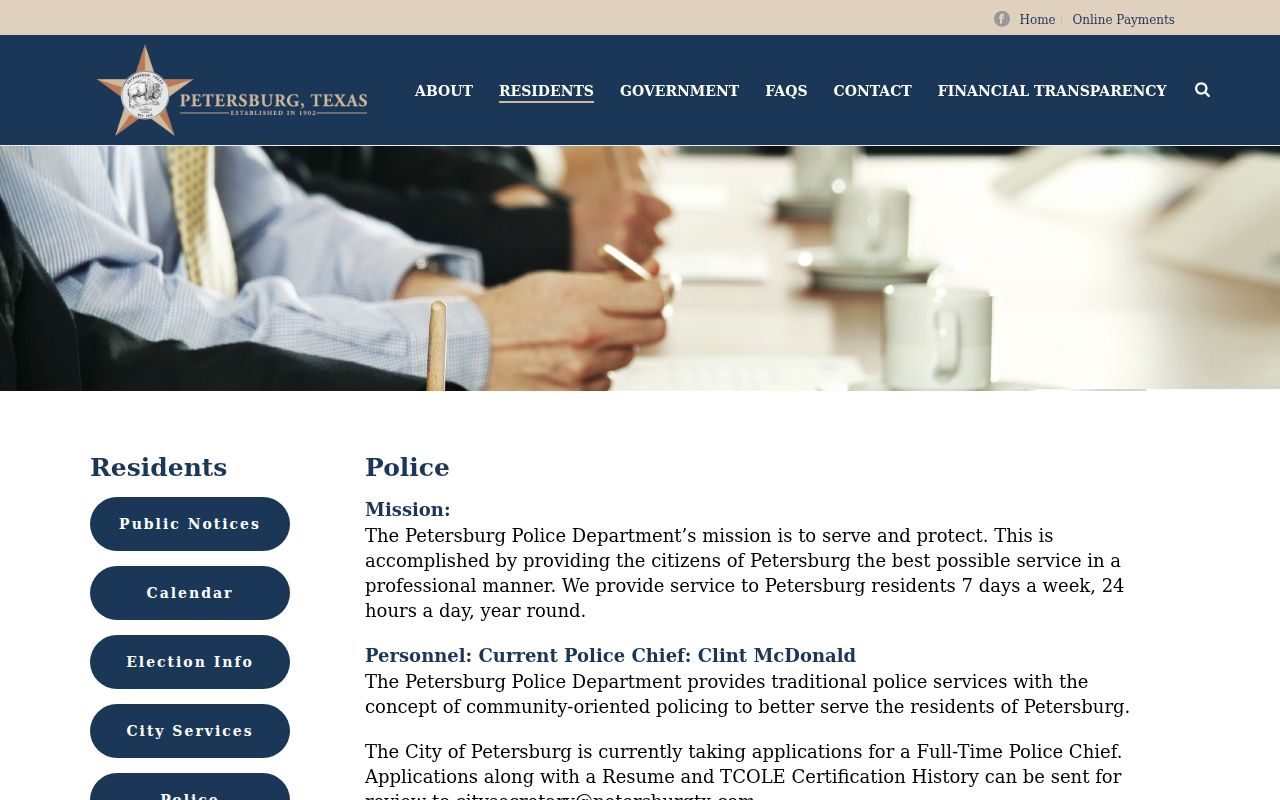
The police page describes department contact and service routing, not a municipal docket search.
Sessions Follow an Every-Other-Monday Pattern
Petersburg Municipal Court is a fine-only, non-court-of-record court that normally meets every other Monday from 9 to 11 a.m. Confirm the next session with City Hall at 1524 Main, (806) 667-3461. A recurring pattern is helpful context. Holidays, cancellations, and individual notices can still move a particular date. Before you drive over, ask whether the court expects an appearance, whether the case sits on the docket, and whether any document should come with you. The clerk can confirm the current process for a Petersburg citation; the web page alone cannot tell you where your case stands.
Understand the Fine-Only Court Context
The city describes Petersburg Municipal Court as fine-only and non-court-of-record, which sets it apart from a higher court and its docket. That label does not spell out every case status or warrant type the court might use. When you call about a missed appearance, an unpaid balance, or a capias, use the citation number and the court's own terms. Paying a fine does not by itself end an outstanding court action. Ask the clerk whether the payment was recorded and whether a judge entered any other order, because a police contact or the paper docket may not answer what the clerk's case file answers. In Petersburg, the file is the word that counts.
No Searchable Warrant Portal Was Captured
The city offers a court page, a payment link, and word of a paper docket, but no public warrant search. That absence does not prove the court keeps no internal case system or that no warrant can issue. It means the clerk's answer is the only current one, and a third-party page is no stand-in for it. If you pay online, confirm the court and the citation number before entering payment details. A receipt proves you paid. It does not prove a warrant was recalled or a setting removed, so ask the Petersburg court directly what its record now shows.
Use the Citation to Identify the Docket Entry
No public page in Petersburg promises a searchable case lookup with named fields. When you call, have the citation number, your name, the date, and the court label ready, and ask the clerk which identifier actually finds the case. If a docket entry or order is available, request its date and the action it records. A missing line on the paper docket can mean the setting moved or the list was not updated, so ask rather than assume. Write down the answer and keep it with the original notice, so a later call to the Petersburg court follows the same matter from the same starting point.
Check the Glass-Case Posting Before Monday
Petersburg posts a paper docket before each Monday session. City Hall says it goes up by 10 a.m. the Friday before. Call first to confirm where the sheet sits and when. The posting lives behind a glass case, so keep your citation and a contact number handy if you cannot view it. Ask staff in Petersburg whether the docket can be reached through another official route, and what steps fit a date that is close. Nothing on the sheet settles warrant status. It is a calendar aid, not a full warrant list or case history. A name left off the posted sheet is not a court order either.
A Payment Link Is Not a Warrant Status Page
Petersburg's city court page offers a payment link. That link pays a citation. It does not run a warrant search, lay out a fee schedule, or list every payment method the court accepts. Before entering card details, confirm the route sits on an official Petersburg page and matches your citation. Save the receipt once you pay. Then call the court and ask whether the payment attached to the right case and whether another court event remains. A confirmation records one transaction in Petersburg; it does not explain the docket or show that a separate order changed.
Follow the Jurisdiction Written on the Citation
Warrant flow: Petersburg Municipal Court / Police › another court only if named on the citation; see Hale County warrant records and the county lookup route for separate county contacts. Petersburg materials mention JP2 while current county pages list JP1 and JP3, so confirm the issuing court directly.
Request Only Records the City Holds
Texas law governs record requests here. The Public Information Act, Government Code Chapter 552, opens existing city records to you, subject to exceptions. Article 15.26 of the Code of Criminal Procedure covers access to executed warrants and their affidavits after execution. Juvenile warrant material stays confidential under Family Code section 58.010. Ask the court in Petersburg whether a docket or document is open. A records request is not a status question. It cannot force the city to build a portal. City Hall in Petersburg can explain how to file one, and you should keep a copy of any response.
Confirm the Next Date and Any Later Action
Petersburg holds court every other Monday. Call ahead to confirm the time, the place, and whether your citation appears. If you paid, appeared, or received a later notice, ask what event the court entered and whether a new date replaces the older one. Keep the case number, the date you called, and the office name with your file. Local schedules shift. An old docket photo settles nothing here in Petersburg. Let current instructions from the city settle your own case.